Squishpets
Cute Chrome extensions for students
The cutest Chrome extensions for students fall into four groups: a browser pet that keeps you company on the page, a pastel or anime new tab, a cute focus timer, and a soft Chrome theme. Pick one from each group at most, so your laptop stays fast.

1. A browser pet that studies with you
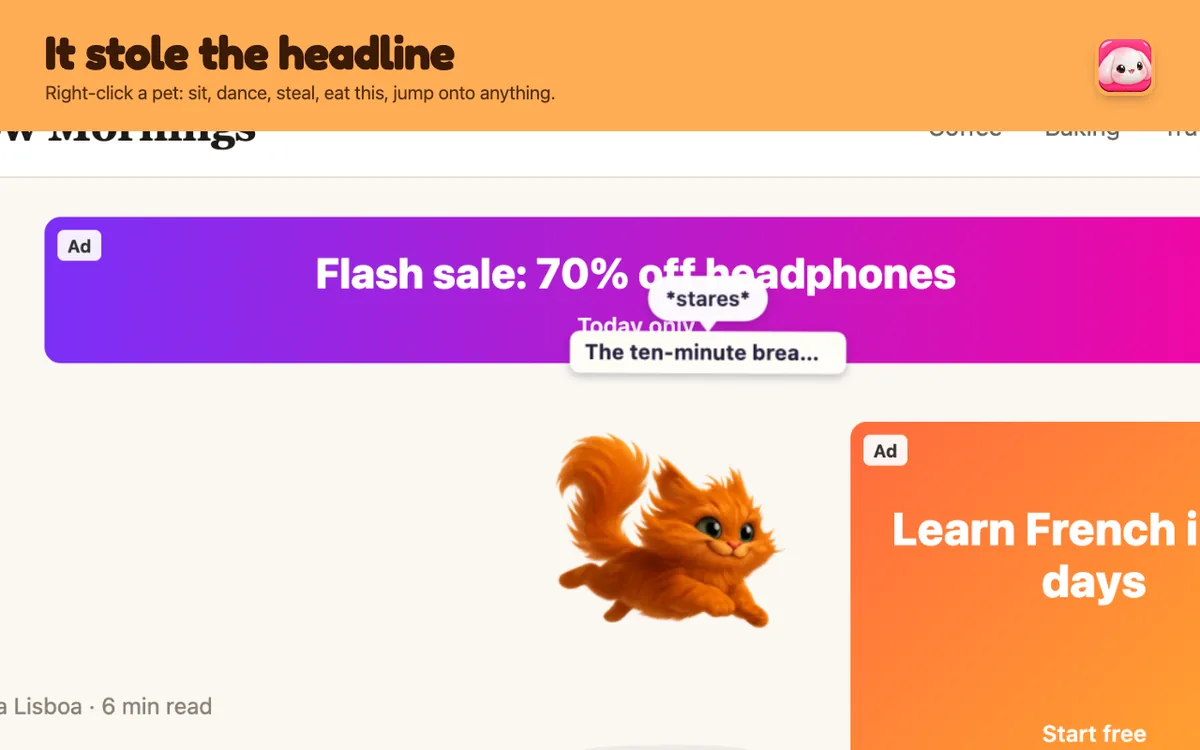
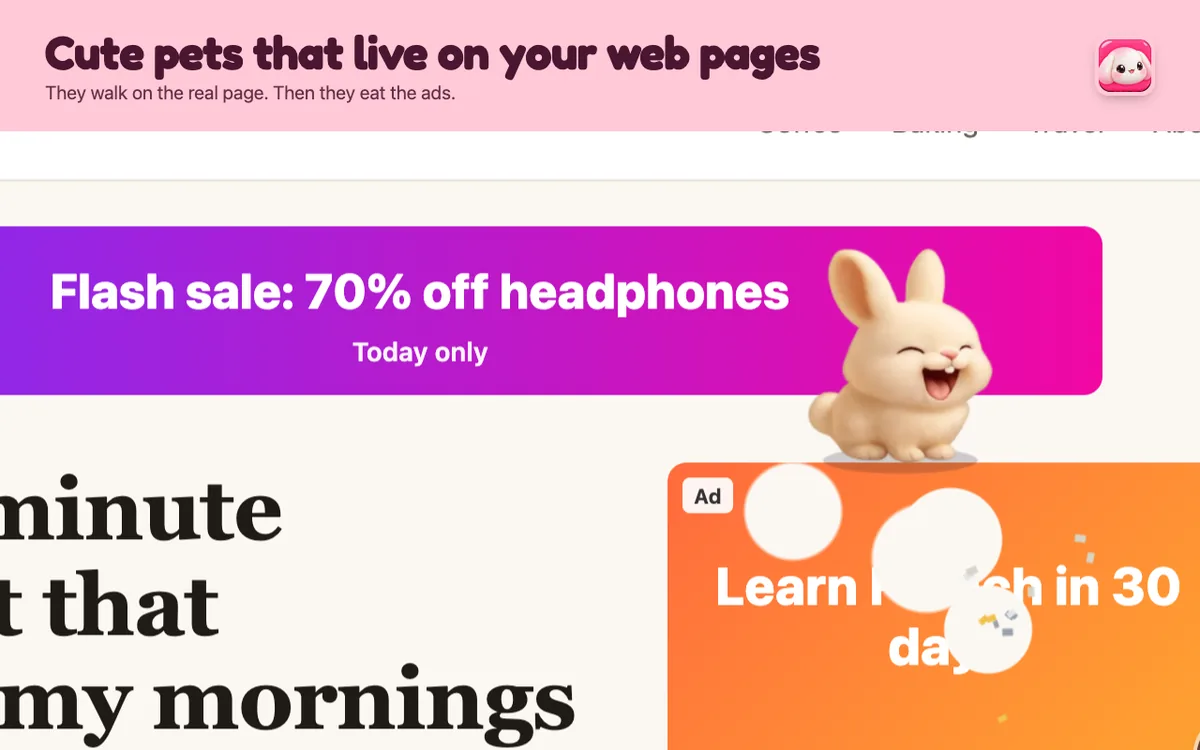
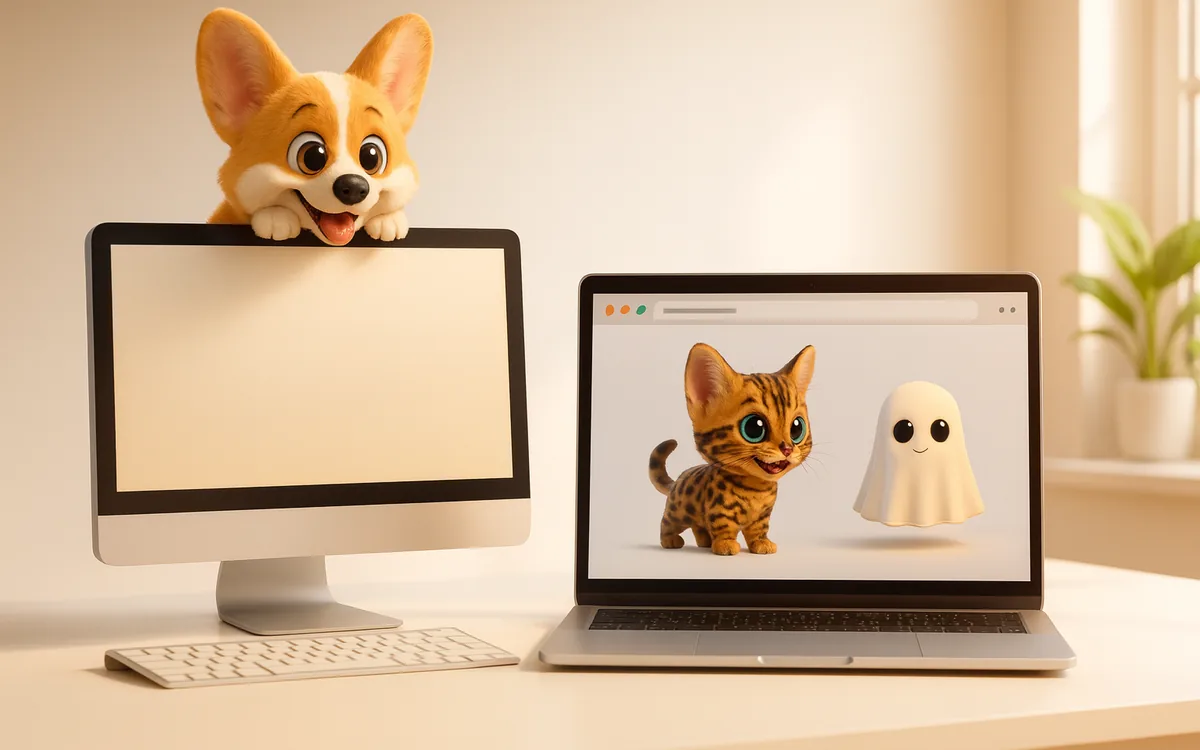
Squishpets puts a little animated pet on the page you're reading. It naps on long articles, hugs the text you highlight, watches when you type and eats the ads in the sidebar so they stop distracting you. Mochi the bunny and Waffles the corgi are free. Add it from the Chrome Web Store.
Other pets worth a look: Meow, The Cat Pet (feed and play with a cat) and PetPat (a pet with a built-in focus timer).
2. A cute new tab
Your new tab page is the screen you see most. Aesthetic new tab extensions swap the plain Google page for pastel wallpapers, a to-do list and the time. Look for ones that let you pick your own background and that don't ask to read every site you visit; a new tab extension shouldn't need that.
Get a pet on your pagesTwo pets free, 25 more from $1. No account, no tracking.
Add to Chrome, it’s free3. A cute focus timer
Pomodoro timers with animals or plants that grow while you work are a gentle way to stay on task. Twenty-five minutes of work, five minutes of break, and something cute to show for it.
4. A soft Chrome theme
Chrome themes change the colour of your tabs and toolbar. They cost nothing in speed because they're just colours. Search the Chrome Web Store's Themes section for pastel, sakura or cozy styles.
How to keep it cute and fast
- Fewer is better. Every extension uses a little memory. Three or four cute ones is plenty.
- Check permissions. A theme or timer shouldn't need to "read and change all your data on all websites". Squishpets only runs on a page when you click its icon, unless you turn on "Follow me to every page".
- School laptops. Managed Chromebooks may block extensions. Read our guide to pets on a Chromebook.
Questions people ask
What are good cute Chrome extensions?
A browser pet like Squishpets, an aesthetic new tab, a cute focus timer and a pastel Chrome theme cover most of what students want.
Are cute Chrome extensions safe?
Stick to extensions with clear privacy policies and only the permissions they need. Avoid ones that ask to read all your data without a reason.
Do cute extensions slow down Chrome?
Themes don't. Pets and new tabs use a little memory; keeping three or four extensions is a good limit.
Get a pet on your pagesTwo pets free, 25 more from $1. No account, no tracking.
Add to Chrome, it’s free