Squishpets
A virtual pet for your Chromebook
Chromebooks run Chrome OS, so classic desktop pets built for Windows or Mac won't install. A virtual pet built as a Chrome extension works everywhere Chrome does, including Chromebooks: you add it from the Chrome Web Store and it appears on the web pages you open.
Why desktop pets don't work on a Chromebook
Desktop pets like Shimeji-ee are Windows programs (they need Java), and most Mac pets are native macOS apps. Chrome OS doesn't run either. Some Chromebooks can run Android apps, but Android pets live inside their own app window rather than on top of what you are doing.
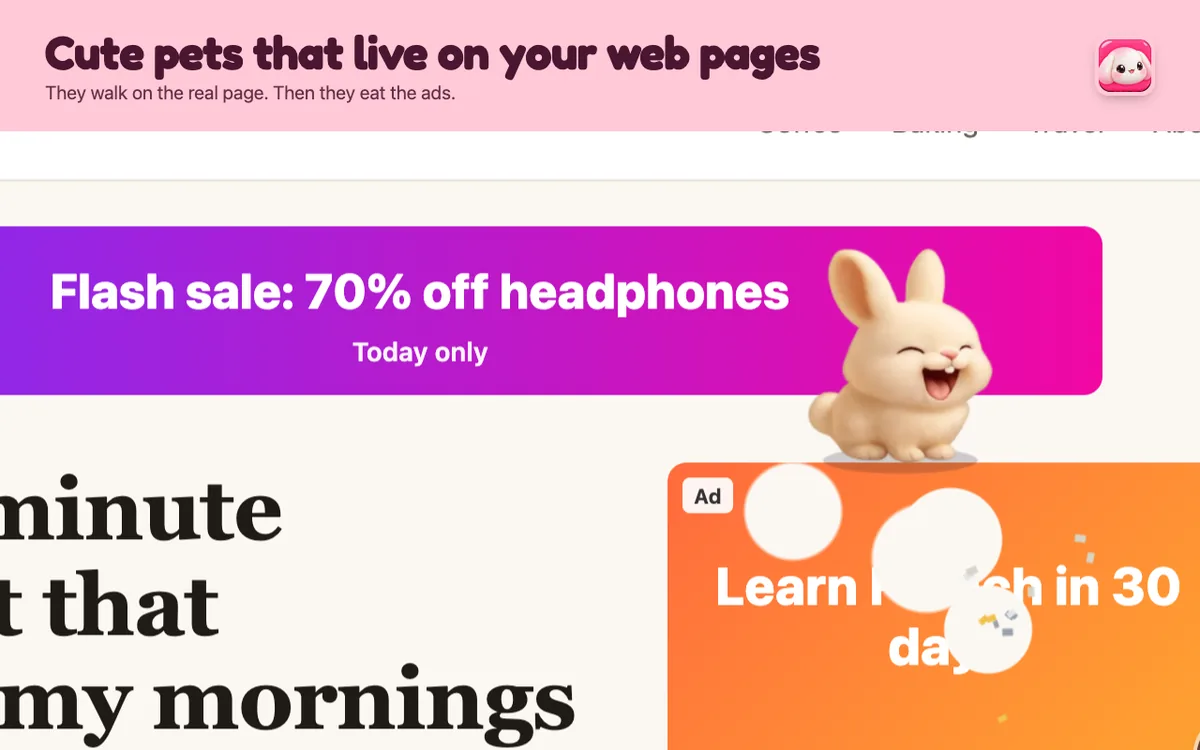
A browser pet sidesteps all of that. It is a Chrome extension, so it runs anywhere Chrome runs: Chromebooks, Windows, Mac and Linux.
How to add a pet to your Chromebook
- Open the Squishpets page on the Chrome Web Store and click Add to Chrome.
- Open any normal website, like a news article or Wikipedia. Pets can't visit Chrome's own settings pages or the Web Store itself.
- Click the Squishpets icon in the toolbar (pin it from the puzzle-piece menu so it's always there). Your pet drops onto the page.
- Pick it up and throw it, hold it to pet it, or right-click it for tricks.
Prefer the keyboard? Alt + Shift + P brings your pet out or sends it home on any tab.
Get a pet on your pagesTwo pets free, 25 more from $1. No account, no tracking.
Add to Chrome, it’s freeWill it slow my Chromebook down?
Chromebooks are often modest machines, so this matters. Squishpets draws a small picture that follows the pet instead of covering the whole screen, uses about a millisecond of work per frame, and pauses completely in tabs you aren't looking at. If you want it calmer still, turn on Calmer motion in Settings.
On a school Chromebook
School Chromebooks are managed by the school's IT admin, and many only allow approved extensions. If the Add to Chrome button is greyed out or says your administrator blocked it, the extension isn't on your school's allowed list, and there's no safe way around that. Ask your teacher or IT team, or use it on a personal device.
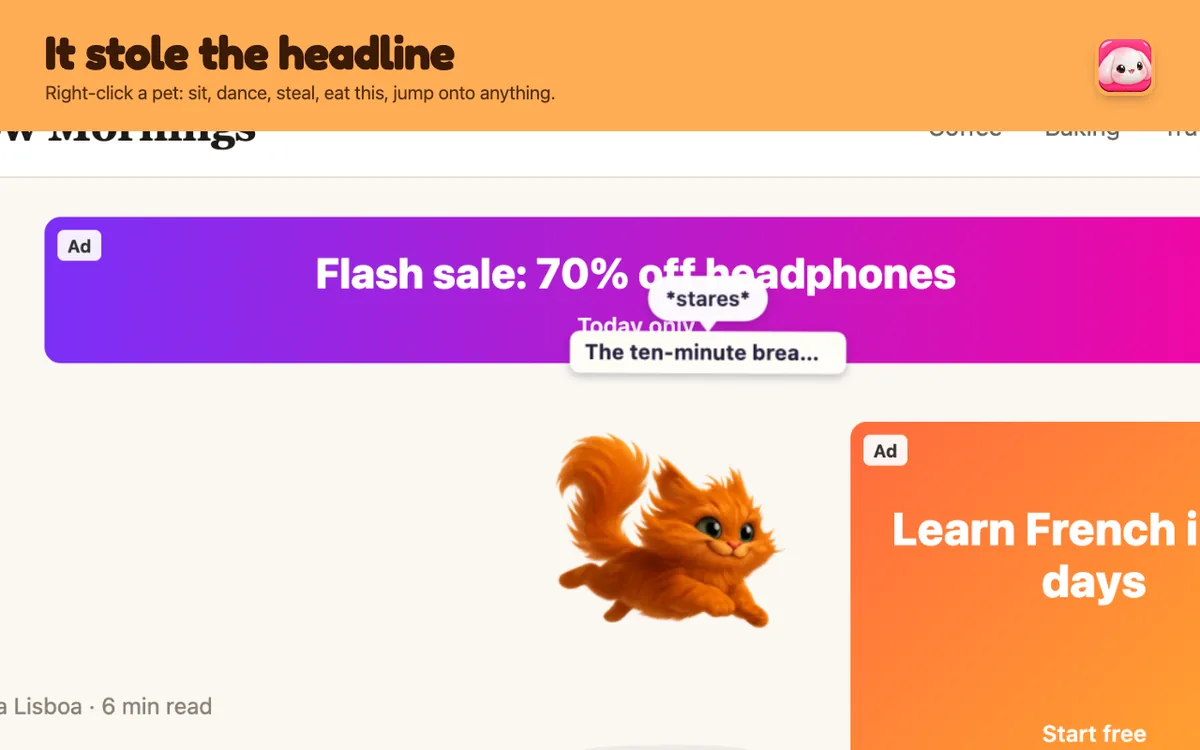
When it is allowed, a pet can make long reading sessions a bit more fun: it naps on the article with you and watches when you type.
Pets to start with
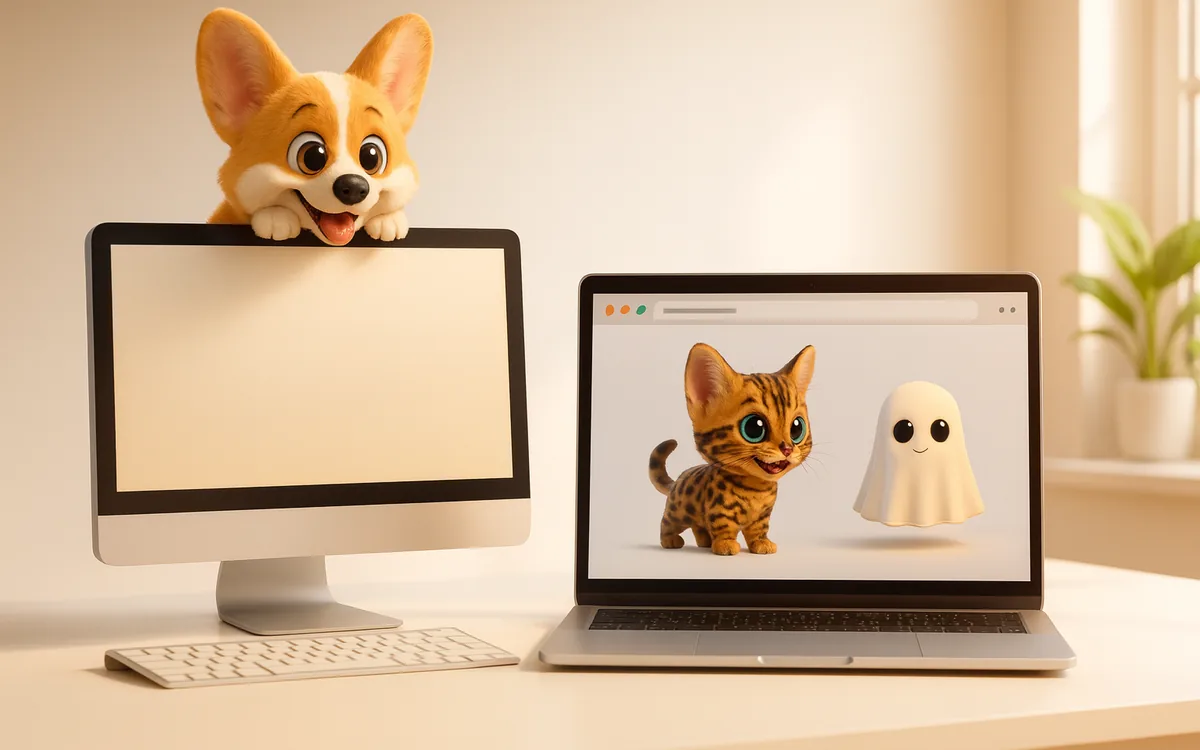
Mochi, a fluffy snow bunny, and Waffles, a corgi with zoomies, are free with every feature. You can meet all 27 on the pets page and try any of them live before installing.
Questions people ask
Can you get Shimeji on a Chromebook?
The desktop version of Shimeji can't run on Chrome OS. Browser pet extensions, including the Shimeji Chrome extension and Squishpets, can.
Is there a free virtual pet for Chromebook?
Yes. Squishpets has two free pets with every feature; other pets are optional one-time purchases.
Why can't I install extensions on my school Chromebook?
Managed Chromebooks only allow extensions approved by the school's administrator. Ask your IT team.
Get a pet on your pagesTwo pets free, 25 more from $1. No account, no tracking.
Add to Chrome, it’s free