Squishpets
Desktop pet vs browser pet: which one should you get?
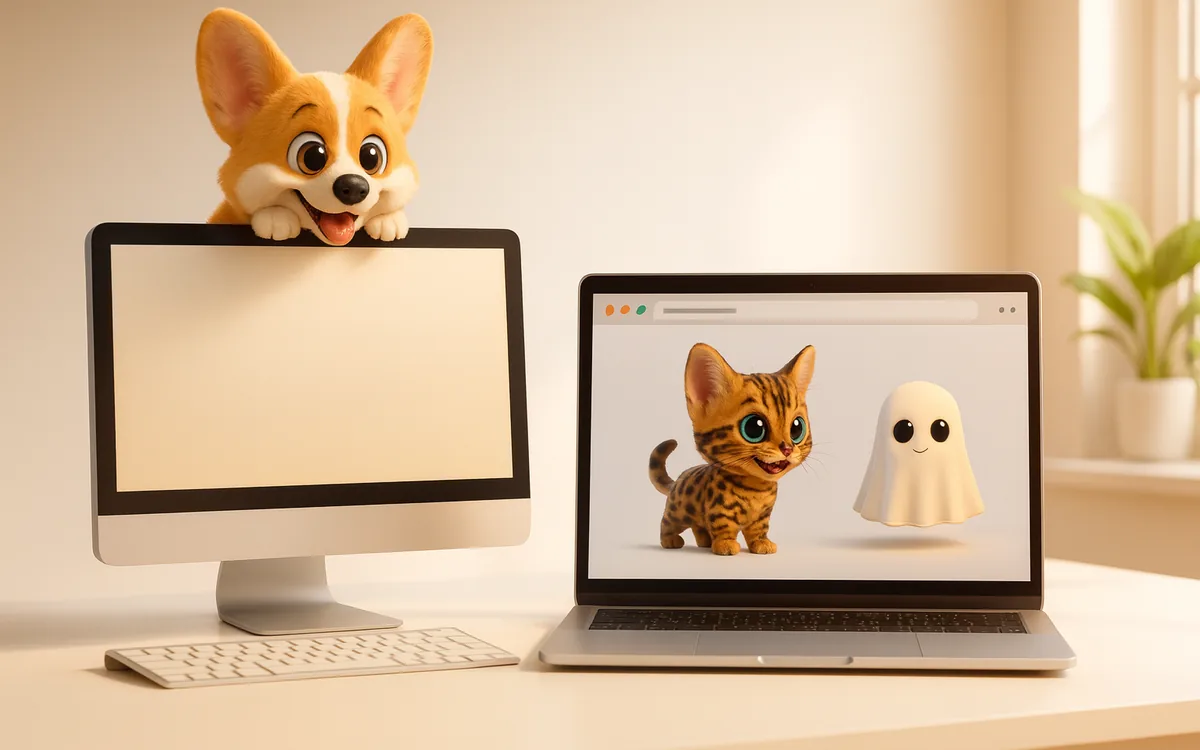
A desktop pet is an app that walks over your whole screen, including other apps. A browser pet is a Chrome extension that lives on the web pages you open. Pick a desktop pet if you want company across everything; pick a browser pet if you mostly live in Chrome, use a Chromebook, or want a pet that reacts to what's on the page.
The quick comparison
| Desktop pet | Browser pet | |
|---|---|---|
| Where it lives | Your whole screen, on top of every app | Inside Chrome, on the page you're viewing |
| Mac | Native apps (several free) | Works in Chrome |
| Windows | Shimeji-ee and others | Works in Chrome |
| Chromebook | Not supported | Works |
| Install | Download an app, allow it in security settings | One click from the Chrome Web Store |
| What it reacts to | Windows, the mouse, the clock | The page itself: headings, pictures, ads, what you type and select |
When a desktop pet is the better choice
If you spend your day in many apps, like a code editor, a design tool and a chat app, a desktop pet keeps you company across all of them. Mac users have a good choice of free native pets, and Windows users have the long-running Shimeji-ee. The trade-off is a separate install that needs permission to draw over your screen.
Get a pet on your pagesTwo pets free, 25 more from $1. No account, no tracking.
Add to Chrome, it’s freeWhen a browser pet is the better choice
If most of your day is in Chrome, a browser pet is lighter and simpler: no app to download, nothing outside the browser, and it works on Chromebooks too. It can also do things a desktop pet can't, because it can see the page's layout.
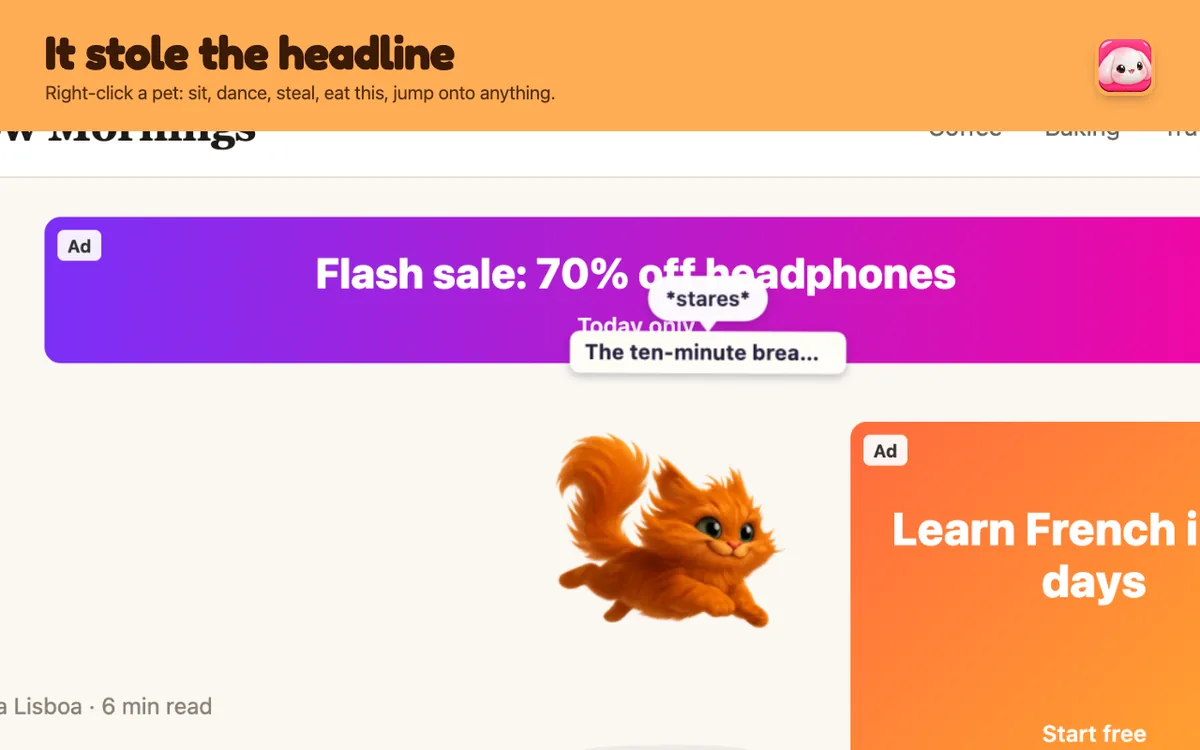
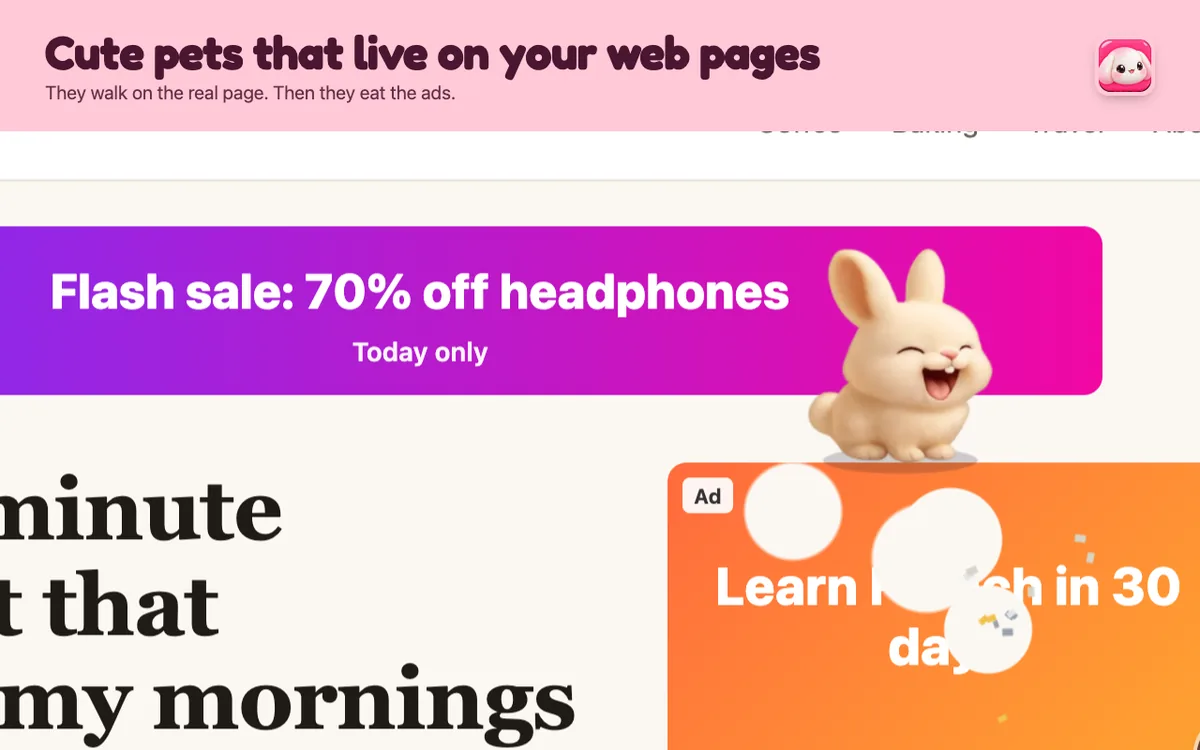
Squishpets pets, for example, walk on headings, climb pictures, eat the ads and cookie banners, nap on long articles and steal headlines (they give them back). You can bring up to three onto one page and they'll play tag or have a play-fight.
What about price?
Both kinds have good free options. Squishpets has two free pets with every feature and 25 more for $1 to $4 each, paid once. No subscription.
Can I have both?
Yes. They don't interfere with each other. A desktop pet can sit on your dock while a browser pet naps on the article you're reading.
Questions people ask
What is a desktop pet?
A small animated character that walks around your computer screen on top of your other apps, like Shimeji.
Is there a desktop pet for Chromebook?
Desktop pet apps don't run on Chrome OS, but browser pet extensions like Squishpets do.
Are desktop pets free?
Many are. Squishpets has two free pets; extra pets cost $1 to $4 once.
Get a pet on your pagesTwo pets free, 25 more from $1. No account, no tracking.
Add to Chrome, it’s free